How to Fix Google Business Profile Suspension in 2026
Learn how to fix a Google Business Profile suspension in 2026 with our step-by-step recovery guide. Identify causes, submit reinstatement, and restore visibility fast.

Why Your Google Business Profile Got Suspended in 2026
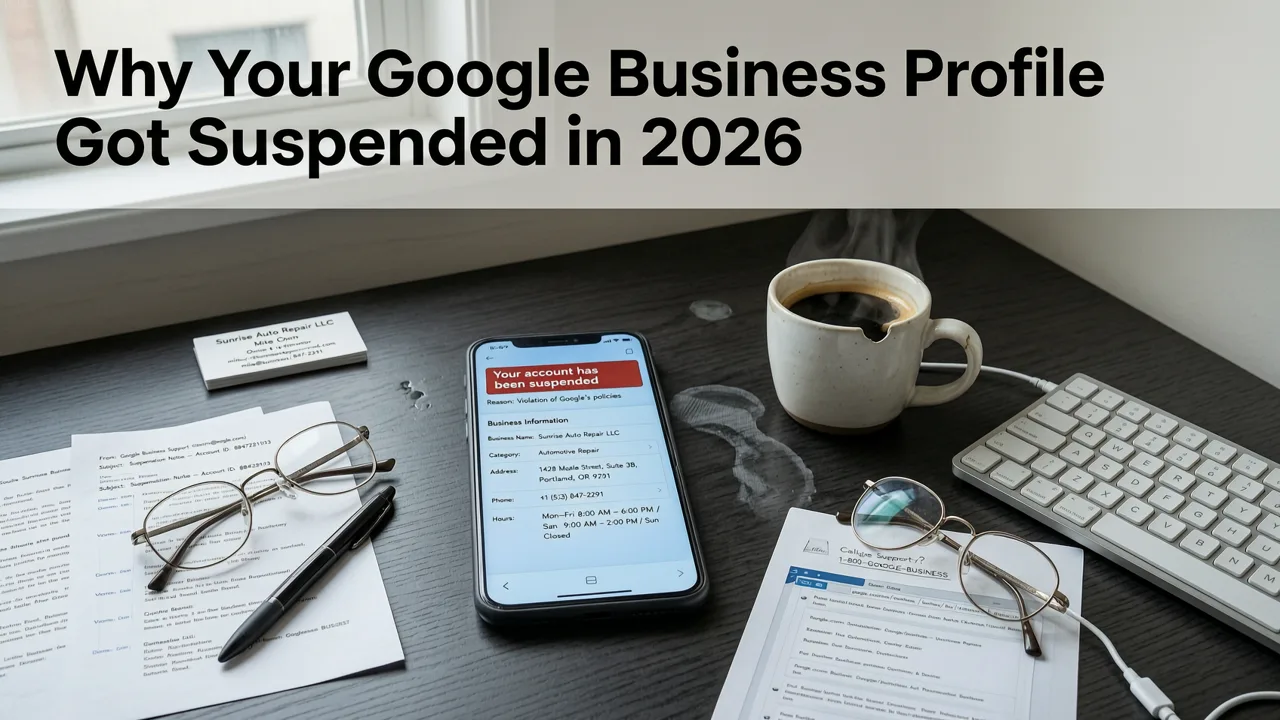
If your Google Business Profile has been suspended, your business has effectively vanished from Google Maps and local search results. In 2026, Google has tightened its enforcement algorithms and automated detection systems, meaning suspensions are happening faster and with less human oversight than ever before. The good news is that most suspensions are reversible if you act quickly and follow the correct process.
This guide walks you through exactly how to fix a Google Business Profile suspension in 2026, including identifying the root cause, preparing your reinstatement request, and avoiding future violations. Whether your profile was hard-suspended, soft-suspended, or disabled, this article gives you the roadmap to get your listing back online.
Types of Google Business Profile Suspensions in 2026
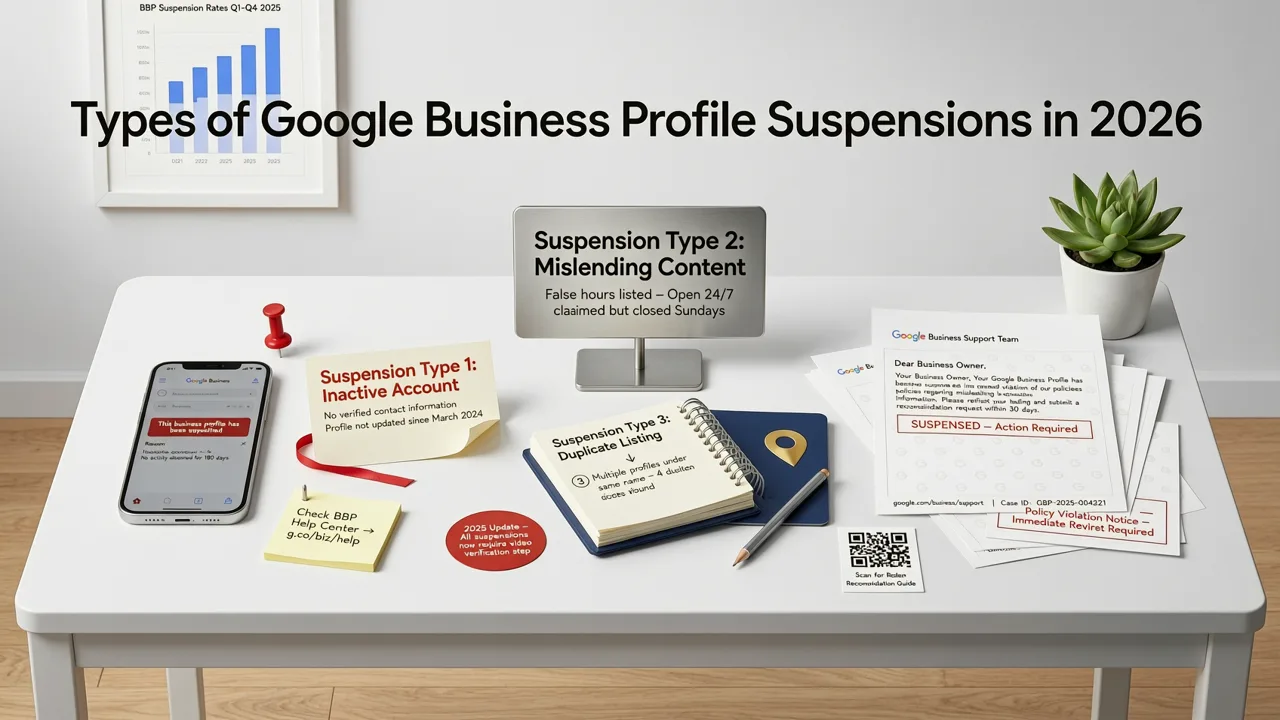
Not all suspensions are created equal. Google applies different levels of enforcement depending on the severity of the violation. Understanding which type you are dealing with is the first step toward fixing it.
Hard Suspension
A hard suspension means your listing has been completely removed from Google Maps and local search. Your profile may still exist in your Google Business Profile dashboard, but it will show a status of "suspended" and is invisible to customers. This is the most common and most serious type of suspension.
Soft Suspension
A soft suspension restricts certain features of your profile. Your listing may still appear in search results, but you lose the ability to edit information, respond to reviews, or post updates. Soft suspensions often serve as a warning before a hard suspension if the issue is not resolved.
Disabled Profile
A disabled profile is similar to a hard suspension but typically indicates a more severe or repeated violation. Disabled profiles are harder to reinstate and may require additional documentation or legal verification.
Common Reasons Google Suspends Business Profiles in 2026
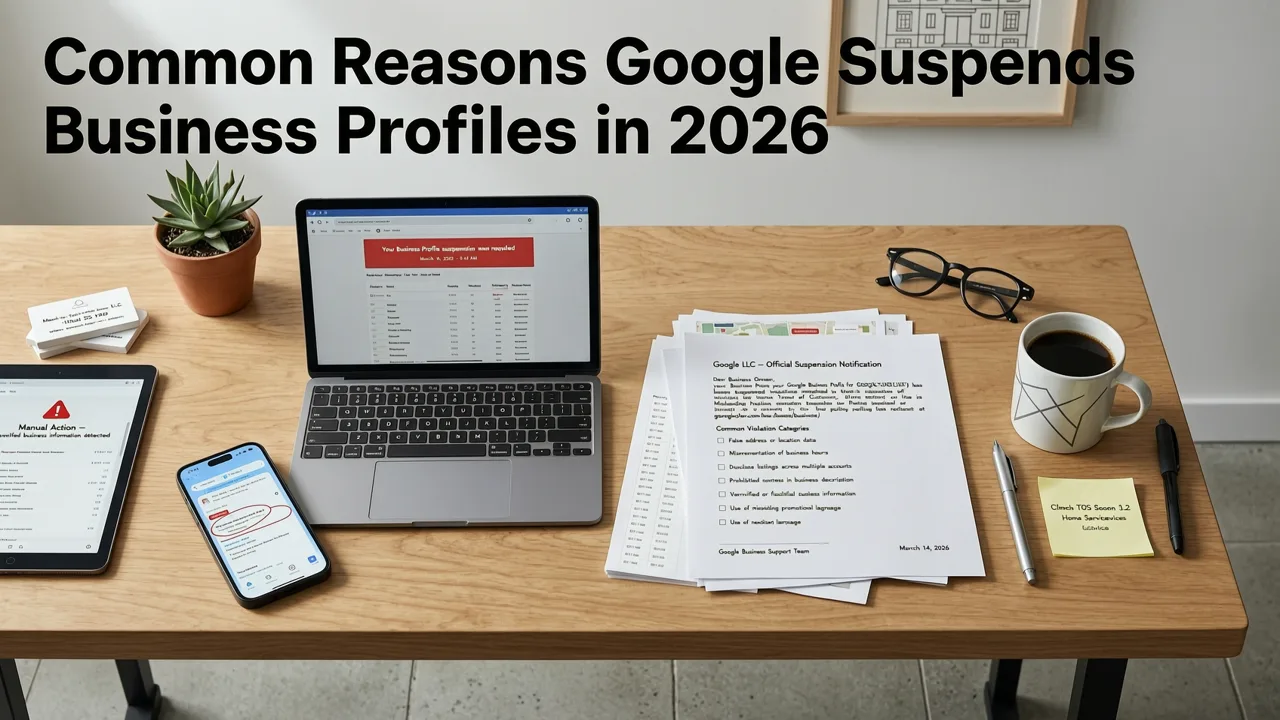
Google's guidelines for business listings are strict, and violations can trigger an automated suspension within hours. Here are the most common reasons profiles get flagged in 2026.
Incorrect or Misleading Business Information
Using a fake address, a P.O. box, a virtual office, or a service-area business with a visible storefront address are all violations. Google cross-references your listing data against its Street View imagery, business registries, and third-party databases. If your information does not match reality, your profile will be suspended.
Keyword Stuffing in the Business Name
Adding keywords like "Best Plumber in Dallas" or "Cheap SEO Services NYC" to your business name field is one of the fastest ways to get suspended. Your Google Business Profile name must match your real-world business name exactly as it appears on your signage, website, and legal documents.
Multiple Listings for the Same Business
Creating duplicate listings at the same location or for the same business entity is a violation. This includes separate listings for different departments, services, or practitioners at a single address unless they meet Google's specific criteria for separate departments.
Policy Violations in Categories or Attributes
Selecting categories that do not accurately represent your business, or using attributes in misleading ways, can trigger a suspension. For example, listing a consulting firm under a medical category or claiming your restaurant is "wheelchair accessible" when it is not will raise red flags.
Quality Issues and Review Manipulation
Offering incentives for reviews, posting fake reviews, or using review-gating software are all serious violations. Google's review detection systems in 2026 are more sophisticated than ever and can identify suspicious review patterns quickly.
Step-by-Step Guide to Fix Your Google Business Profile Suspension
Now that you understand why your profile was suspended, here is the exact process to get it reinstated in 2026.
Step 1: Identify the Root Cause
Before submitting a reinstatement request, review your entire profile against Google's guidelines for business listings. Check your business name, address, phone number, website URL, categories, hours, and description. Compare your listing to what Google Street View shows at your location. If you are unsure what triggered the suspension, assume it is one of the common violations listed above.
Step 2: Correct All Violations
Fix every issue you find. Remove keywords from your business name, correct your address if it is inaccurate, remove duplicate listings, and ensure your categories are accurate. If you cannot edit your profile because it is hard-suspended, document the changes you would make so you can include them in your reinstatement request.
Step 3: Gather Supporting Documentation
Google may require proof that your business is legitimate. Prepare the following documents before submitting your reinstatement request:
- Business license or registration documents
- Utility bill showing your business address
- Photos of your business signage and storefront
- Proof of ownership or authorization to manage the listing
Step 4: Submit a Reinstatement Request
Go to the Google Business Profile reinstatement form and submit your request. Be clear, concise, and professional. Explain what you believe caused the suspension, what steps you have taken to correct the issue, and why your listing should be reinstated. Include your supporting documentation.
Step 5: Wait for Google's Response
Google typically responds to reinstatement requests within three to five business days, though complex cases can take longer. If your request is denied, you can appeal the decision or submit a new request with additional documentation. Do not create a new listing while your reinstatement is pending, as this will trigger another suspension.
How to Avoid Future Google Business Profile Suspensions
Once your profile is reinstated, your goal is to keep it that way. Here are the best practices for staying compliant in 2026.
Keep Your Information Accurate and Consistent
Your business name, address, and phone number should match exactly across your Google Business Profile, website, social media, and business directories. Inconsistencies confuse Google's systems and can trigger automated reviews of your listing.
Avoid Tempting Shortcuts
Do not add keywords to your business name, do not create duplicate listings, and do not use virtual addresses unless your business genuinely operates from that location. Shortcuts might seem harmless, but they are the most common reasons for suspensions.
Monitor Your Profile Regularly
Check your profile at least once a month to ensure all information is accurate and up to date. Respond to reviews, post updates, and verify that your categories and attributes still reflect your business.
Use a Free SEO Audit Tool to Catch Issues Early
A comprehensive SEO audit can help you identify inconsistencies between your website and your Google Business Profile before they become a problem. Running a regular audit ensures your local SEO foundation is solid and compliant.
Google Business Profile Suspension Recovery Timeline
Here is a realistic timeline for what to expect when fixing a Google Business Profile suspension in 2026.
| Stage | Typical Duration | Notes |
|---|---|---|
| Identify root cause | 1 to 2 hours | Review your profile against Google's guidelines |
| Correct violations | 1 to 3 days | Fix all issues before submitting reinstatement |
| Gather documentation | 1 to 2 days | Collect business license, utility bill, photos |
| Submit reinstatement request | 15 to 30 minutes | Use the official Google reinstatement form |
| Wait for Google's response | 3 to 10 business days | Complex cases may take longer |
| Profile reinstated | Immediate to 48 hours | Listing reappears in search and Maps |
When to Hire an SEO Agency for GBP Suspension Recovery
If your reinstatement request is denied multiple times, or if you are managing multiple locations and cannot identify the root cause, it may be time to bring in professional help. An experienced SEO agency can audit your entire local SEO presence, identify hidden violations, and handle the reinstatement process on your behalf.
Professional agencies also help you build a compliant local SEO strategy that includes optimized Google Business Profile descriptions, consistent NAP data across directories, and a review management system that keeps your profile healthy and visible.
Final Thoughts on Fixing Google Business Profile Suspensions in 2026
A Google Business Profile suspension is frustrating, but it is not permanent. By understanding why your profile was suspended, correcting the violations, and submitting a thorough reinstatement request, you can restore your listing and get back to attracting local customers. The key is to act quickly, follow Google's guidelines precisely, and avoid the shortcuts that led to the suspension in the first place.
If you need help recovering your profile or want to ensure your local SEO strategy is fully compliant, run a free SEO audit today and take the first step toward sustainable local search visibility.
Frequently Asked Questions
How long does it take to fix a Google Business Profile suspension in 2026?
Most reinstatement requests are processed within three to ten business days. However, if your case requires additional review or documentation, it can take up to two weeks or longer. Correcting all violations before submitting your request speeds up the process significantly.
Can I create a new Google Business Profile if my old one is suspended?
No. Creating a new listing while your previous profile is suspended will result in another suspension. You must resolve the issue with your existing profile through the official reinstatement process.
What is the most common reason for a Google Business Profile suspension?
Keyword stuffing in the business name field is the single most common reason for suspensions in 2026. Other frequent causes include incorrect addresses, duplicate listings, and review manipulation.
Will my reviews come back after reinstatement?
In most cases, yes. Once your profile is reinstated, your reviews, photos, and other content are typically restored. However, Google may remove reviews that were flagged as violating its policies during the suspension period.
What should I do if my reinstatement request is denied?
You can appeal the decision or submit a new reinstatement request with additional documentation. If you have already corrected all violations, provide clear evidence such as business licenses, utility bills, and photos of your storefront to support your appeal.
Related Articles


Explore more practical SEO Services and appraisal guides.
View all articles