Google Business Profile Photo Optimization Tips (2026 Guide)
Discover proven Google Business Profile photo optimization tips for 2026. Learn image specs, upload tactics, and ranking strategies to boost local visibility and clicks.

Why Google Business Profile Photo Optimization Matters in 2026
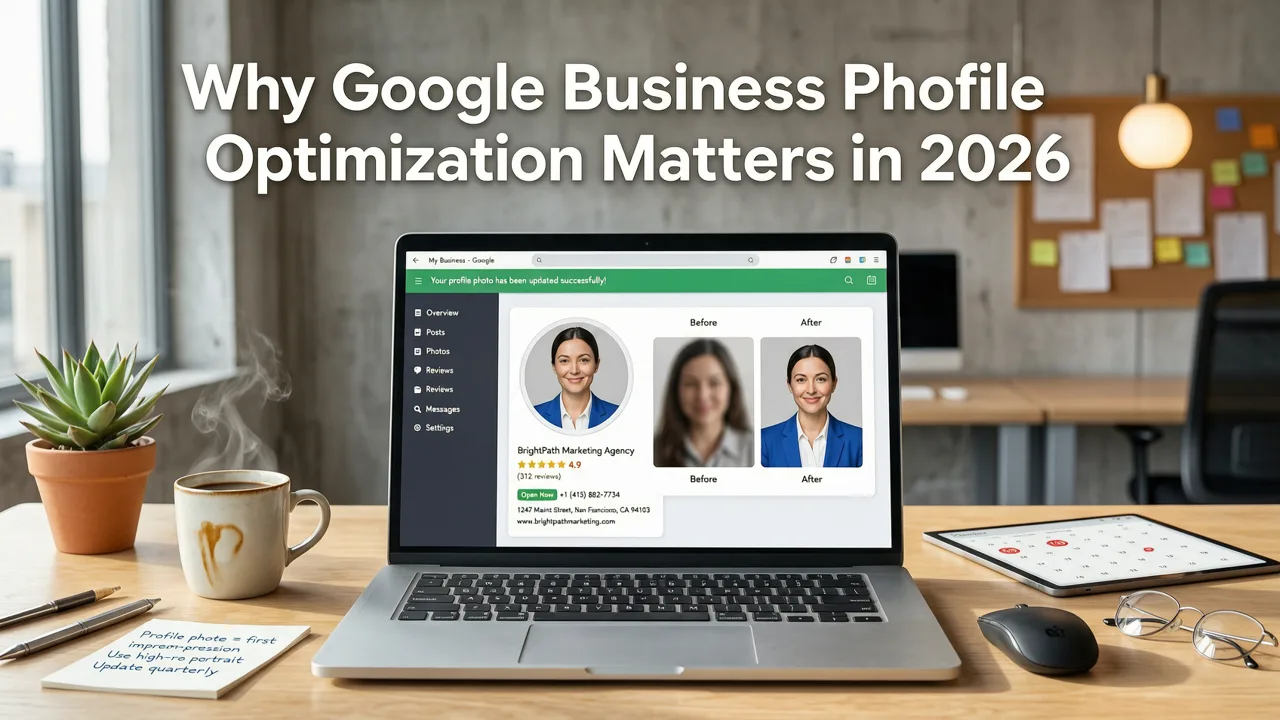
If your business listing looks generic next to three competitors with polished, keyword-rich imagery, you are losing clicks before a single search result loads. Google Business Profile photo optimization tips are no longer optional decoration — they are a core local ranking lever in 2026, influencing everything from map-pack placement to the conversion rate of profile visitors.
Businesses that treat their profile photos as a strategic asset consistently outperform those that upload a handful of snapshots and forget about them. Google's visual-first local algorithms now weigh image relevance, freshness, geotagged metadata, and user engagement signals more heavily than ever. This guide breaks down exactly how to optimize your Google Business Profile photos so they work harder for your business every single day.
Google Business Profile Photo Specifications for 2026
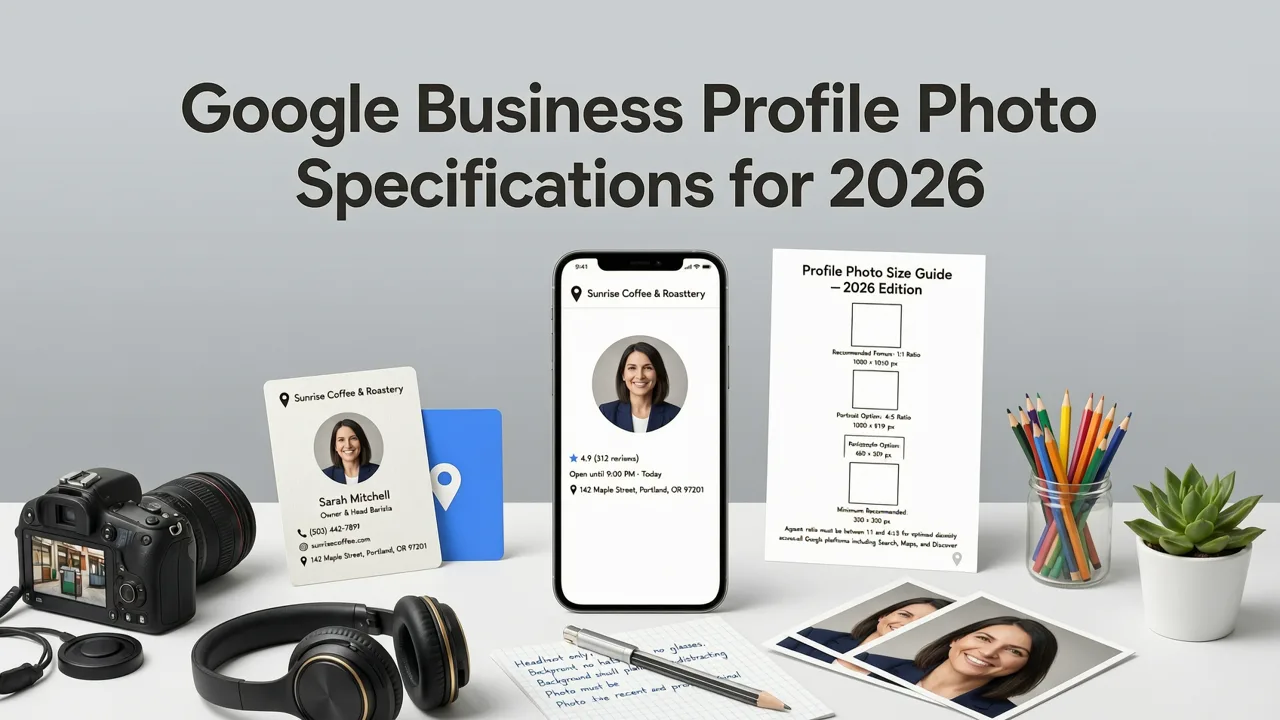
Before diving into optimization strategy, you need to understand the technical requirements. Uploading images that meet Google's specifications ensures they render correctly across Search, Maps, and the Knowledge Panel on every device.
Official Image Requirements
- File formats: JPG or PNG
- File size: Between 10 KB and 5 MB
- Recommended resolution: 720 px tall, 720 px wide minimum
- Aspect ratio: Square (1:1) works best for profile and cover images; landscape (4:3 or 16:9) for broader scenes
- No excessive filters or alterations that misrepresent the business
Cover Photo vs. Logo vs. Profile Photo
Google assigns three distinct image slots at the top of your profile. The logo appears as a circular thumbnail in search results, the profile photo sits inside the listing, and the cover photo is the large hero image. Google may override your cover photo selection based on what it determines to be the most representative image, which is why uploading high-quality, relevant imagery across all slots is essential.
| Image Slot | Recommended Size | Aspect Ratio | Best Content |
|---|---|---|---|
| Logo | 720 x 720 px | 1:1 | Brand logo on clean background |
| Cover Photo | 1024 x 576 px | 16:9 | Hero shot of business exterior or flagship product |
| Profile Photo | 720 x 720 px | 1:1 | Team photo, storefront, or branded image |
How Google Uses Photos for Local Ranking in 2026
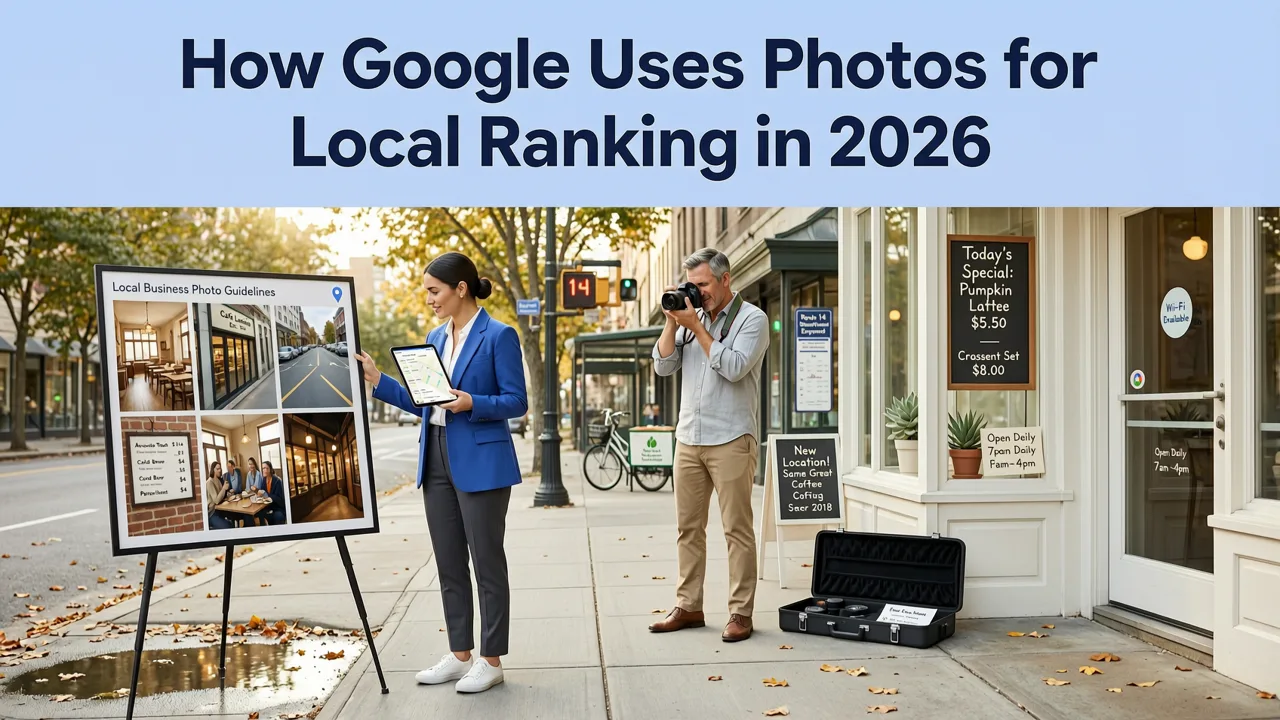
Google's local search algorithm considers multiple signals from your Business Profile images. Understanding these signals helps you prioritize which photos to upload and how to tag them.
Visual Relevance and Category Matching
Google's machine vision models analyze your images to confirm that your profile matches your business category. A dental office with photos of clean operatories, modern equipment, and friendly staff reinforces its category signal. A restaurant with images of plated dishes, the dining room, and the kitchen strengthens its restaurant classification. Upload images that visually confirm your primary and secondary categories.
Engagement Metrics That Matter
Google tracks how users interact with your photos. Images that receive more views, clicks, and longer dwell times signal quality. Profiles with 100 or more photos consistently see higher engagement than those with fewer than 25. This does not mean uploading random duplicates — it means building a comprehensive visual library that covers every aspect of your business.
Freshness Signals
Google favors profiles that are actively maintained. Uploading new photos on a regular cadence — ideally weekly or bi-weekly — sends a freshness signal that your business is active and relevant. Stale profiles with photos from two years ago tell Google (and potential customers) that the business may not be well-managed.
Google Business Profile Photo Optimization Tips: A Step-by-Step Strategy
1. Start With a Professional Photo Audit
Review every image currently on your profile. Remove anything blurry, outdated, off-brand, or irrelevant. You want your profile to make a strong first impression within the first three seconds a user views it. If your current photos do not meet that standard, plan a dedicated shoot.
2. Photograph Every Category of Your Business
Build a comprehensive photo library by covering these categories:
- Exterior: Street-level view showing signage, entrance, and surrounding context
- Interior: Wide shots of your main customer area, plus detail shots of unique design elements
- Team: Staff portraits, group photos, candid shots of employees serving customers
- Products or Services: Close-ups of bestsellers, signature services in action, before-and-after results
- Atmosphere: Lifestyle images that convey the experience of visiting your business
- Seasonal and Event Photos: Holiday displays, community events, promotions, and seasonal offerings
3. Optimize File Names Before Uploading
Google reads image file names. Before uploading, rename every file with a descriptive, keyword-aware name. Instead of IMG_4832.jpg, use downtown-chicago-pizza-restaurant-interior.jpg. Include your business name, location, and the subject of the image. This is a small step that compounds across dozens of images.
4. Write Descriptive Alt Text When Possible
While Google Business Profile does not offer a traditional alt text field, the platform does allow you to add captions and labels to some image types. Use these fields to describe the image naturally, incorporating relevant terms like your service area, business type, and specific offerings. For your broader website SEO, ensure any images embedded on your site include proper alt attributes — refer to the free SEO audit tool for 2026 to identify missing alt text across your site.
5. Geotag Images Strategically
Photos taken at your business location carry embedded GPS metadata. When you upload photos taken on-site, that geotagged data reinforces your location signal to Google. Encourage your team to take photos using phones with location services enabled. However, never fabricate geotags on images taken elsewhere — Google's systems can detect manipulated metadata, and doing so risks profile suspension.
6. Upload on a Consistent Schedule
Create a content calendar for your Business Profile photos. Aim for at least two to four new uploads per week. Rotate through categories so your profile always has fresh content across every section. Consistency matters more than volume — a steady drip of quality images outperforms a one-time bulk upload followed by months of silence.
7. Encourage Customer Photo Contributions
User-generated photos carry significant weight in Google's local algorithm. Customers who upload their own photos provide authentic social proof that Google trusts. Make it easy for customers to share by including a direct link to your Business Profile in follow-up emails, on receipts, and on signage inside your location. Respond to every customer photo with a thank-you when possible.
8. Monitor Photo Performance With Insights
Google Business Profile provides data on how many people view your photos and how your photo count compares to competitors. Check these metrics monthly. If photo views are declining, it may signal that your images are stale or not resonating. Refresh underperforming categories and test new angles, lighting, and compositions.
Common Google Business Profile Photo Mistakes to Avoid
Uploading Stock Photos
Google actively penalizes profiles that rely on stock imagery. Its visual detection systems can identify stock photos, and using them damages both your ranking potential and customer trust. Every image should be an authentic representation of your actual business.
Ignoring the Logo and Cover Photo
Many businesses upload a logo that is too small, pixelated, or cropped incorrectly. The logo is the first visual element users see in search results. Invest in a high-resolution version and ensure it displays clearly at small sizes. Similarly, choose a cover photo that immediately communicates what your business offers.
Over-Editing and Using Heavy Filters
While basic color correction and cropping are fine, heavily filtered or artificially enhanced photos can mislead customers and violate Google's content policies. Keep edits minimal and natural. Authenticity builds trust, and trust drives conversions.
Neglecting Video Content
In 2026, Google Business Profile supports video uploads, and businesses that include short video tours, product demonstrations, or team introductions see measurable engagement lifts. Do not limit your visual strategy to static images alone.
How Photo Optimization Connects to Your Broader Local SEO Strategy
Google Business Profile photos do not exist in isolation. They work alongside your business description, categories, reviews, and website signals to form a complete local SEO profile. Pair your photo optimization with a strong Google Business Profile description that reinforces the same keywords and themes present in your images.
If you are also investing in link building to support your local authority, make sure your efforts align with safe backlink practices that Google rewards rather than penalizes. A holistic approach — strong photos, optimized descriptions, quality backlinks, and a technically sound website — produces compounding results over time.
Photo Optimization Checklist for 2026
Use this quick-reference checklist to audit and improve your Google Business Profile photos:
| Action Item | Status | Priority |
|---|---|---|
| Upload high-resolution logo (720x720 px minimum) | Pending | High |
| Set a compelling cover photo (1024x576 px) | Pending | High |
| Add at least 25 photos across all categories | Pending | High |
| Rename all image files with descriptive keywords | Pending | Medium |
| Ensure photos are geotagged from your business location | Pending | Medium |
| Remove stock photos and low-quality images | Pending | High |
| Establish a weekly photo upload schedule | Pending | Medium |
| Encourage and respond to customer photo uploads | Pending | Medium |
| Review photo insights monthly and refresh underperformers | Pending | Low |
| Add at least one video to your profile | Pending | Medium |
Advanced Tactics for Competitive Local Markets
Leverage Before-and-After Imagery
For service-based businesses like contractors, salons, dentists, and auto detailers, before-and-after photos are among the most engaging content you can publish. They demonstrate tangible results and give potential customers a clear reason to choose your business. Label each pair clearly and upload them as separate images so Google can index each one individually.
Showcase Your Process
Photos that show your team at work — a chef plating a dish, a mechanic under a hood, a stylist mid-cut — build familiarity and trust. Customers feel more confident choosing a business they feel they already know. Process photos also differentiate you from competitors who only post finished products.
Align Photos With Seasonal Search Trends
Update your profile photos to reflect seasonal offerings and events. A landscaping company should showcase spring plantings, summer maintenance, and fall cleanups as those seasons approach. This keeps your profile relevant to what people are actively searching for throughout the year.
Use Photos to Highlight Accessibility and Amenities
If your business offers wheelchair access, free parking, outdoor seating, or pet-friendly areas, photograph those features. Google matches accessibility and amenity queries with profile images, and these photos can be the deciding factor for customers with specific needs.
Measuring the Impact of Your Photo Optimization
Track these metrics to understand how your photo optimization efforts are performing:
- Total photo views: Available in your Business Profile insights dashboard
- Photo count vs. competitors: Google shows how your photo count compares
- Direction requests and website clicks: Correlate increases with photo upload activity
- Customer photo uploads: Monitor the rate of user-generated content
- Local pack ranking changes: Track position shifts for your target keywords after major photo updates
For a comprehensive view of how your entire online presence is performing — including your website, backlink profile, and technical SEO health — use a free backlink checker tool alongside your profile insights to connect off-page signals with local ranking improvements.
Final Thoughts on Google Business Profile Photo Optimization in 2026
Your Google Business Profile photos are often the first — and sometimes the only — impression a potential customer has of your business. In 2026, with local search more competitive than ever, treating photo optimization as a core part of your SEO strategy is not optional. It is essential.
Start with the fundamentals: proper specifications, authentic imagery, keyword-aware file names, and a consistent upload schedule. Then layer in advanced tactics like seasonal updates, process photography, and customer engagement. The businesses that invest in these details will capture more clicks, more calls, and more foot traffic than those that treat their profile as an afterthought.
Ready to take your local SEO to the next level? Run a free SEO audit today to identify every opportunity across your website and profiles, and start building a visual strategy that drives real results.
Related resources
Frequently Asked Questions
How many photos should I upload to my Google Business Profile in 2026?
Aim for at least 25 to 100 high-quality photos covering your exterior, interior, team, products, and services. Businesses with 100 or more photos see significantly higher engagement than those with fewer. Upload new images on a weekly or bi-weekly basis to maintain freshness signals.
Does Google read image file names for local ranking?
Yes. Google uses file names as one signal to understand image content. Rename your files with descriptive, keyword-aware names like 'downtown-austin-plumbing-repair-service.jpg' instead of generic names like 'IMG_0042.jpg' before uploading them to your Business Profile.
Can I use stock photos on my Google Business Profile?
No. Google's policies prohibit stock photos on Business Profiles, and its visual detection systems can identify them. Using stock imagery can result in photo removal or profile suspension. Always upload authentic photos of your actual business, team, and offerings.
Do geotagged photos help with local SEO?
Yes. Photos taken at your business location with location services enabled carry GPS metadata that reinforces your location signal to Google. Ensure your team captures images on-site with geotagging active, but never fabricate or manipulate location data on images taken elsewhere.
How often should I update my Google Business Profile photos?
Upload new photos at least two to four times per week. Consistency matters more than volume. Establish a content calendar that rotates through different categories — exterior, interior, team, products, seasonal offerings — so your profile always has fresh, relevant imagery.
Related Articles


Explore more practical SEO Services and appraisal guides.
View all articles