What Are Toxic Backlinks? A Complete 2026 Guide to Identifying and
Learn what toxic backlinks are, how they hurt your rankings in 2026, and the exact steps to identify, disavow, and recover from a harmful link profile.

What Are Toxic Backlinks? The Short Answer
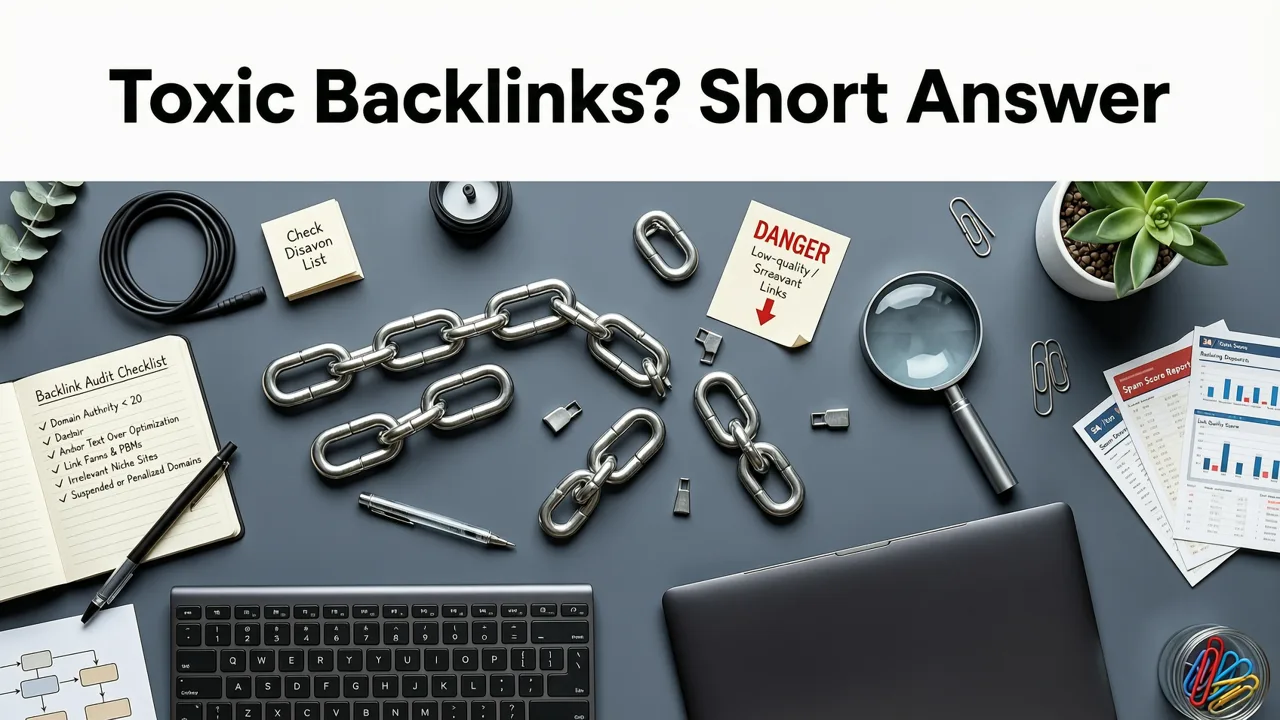
Toxic backlinks are inbound links from spammy, irrelevant, or penalized websites that can damage your search engine rankings. In 2026, Google's algorithms are more sophisticated than ever at detecting manipulative link patterns — and even a small cluster of toxic links can trigger a manual action or algorithmic devaluation that tanks your organic traffic overnight.
If you've noticed a sudden drop in rankings, a decline in organic impressions, or a warning in Google Search Console, your backlink profile might be carrying toxic weight. This guide walks you through exactly what toxic backlinks are, how to find them, and the step-by-step process to remove or disavow them so your site can recover.
Why Toxic Backlinks Matter More in 2026
Google's link evaluation systems have evolved significantly. While the search engine has become better at ignoring bad links automatically, toxic backlinks still pose a real threat — especially for competitive niches and sites with thin content.
Here's why your link profile health demands attention this year:
- Algorithmic devaluation is aggressive. Google's spam update cycles in 2026 target link schemes, PBNs, and automated link networks with greater precision.
- Manual actions still happen. Unnatural links remain one of the most common reasons for manual penalties, and recovery requires proactive cleanup.
- Competitor sabotage is real. Negative SEO attacks — where competitors point toxic links at your domain — remain a documented threat.
- Trust signals compound. A clean backlink profile strengthens your overall domain authority and makes legitimate link-building efforts more effective.
Understanding what are toxic backlinks isn't just academic — it's a critical part of protecting your organic revenue.
Common Types of Toxic Backlinks
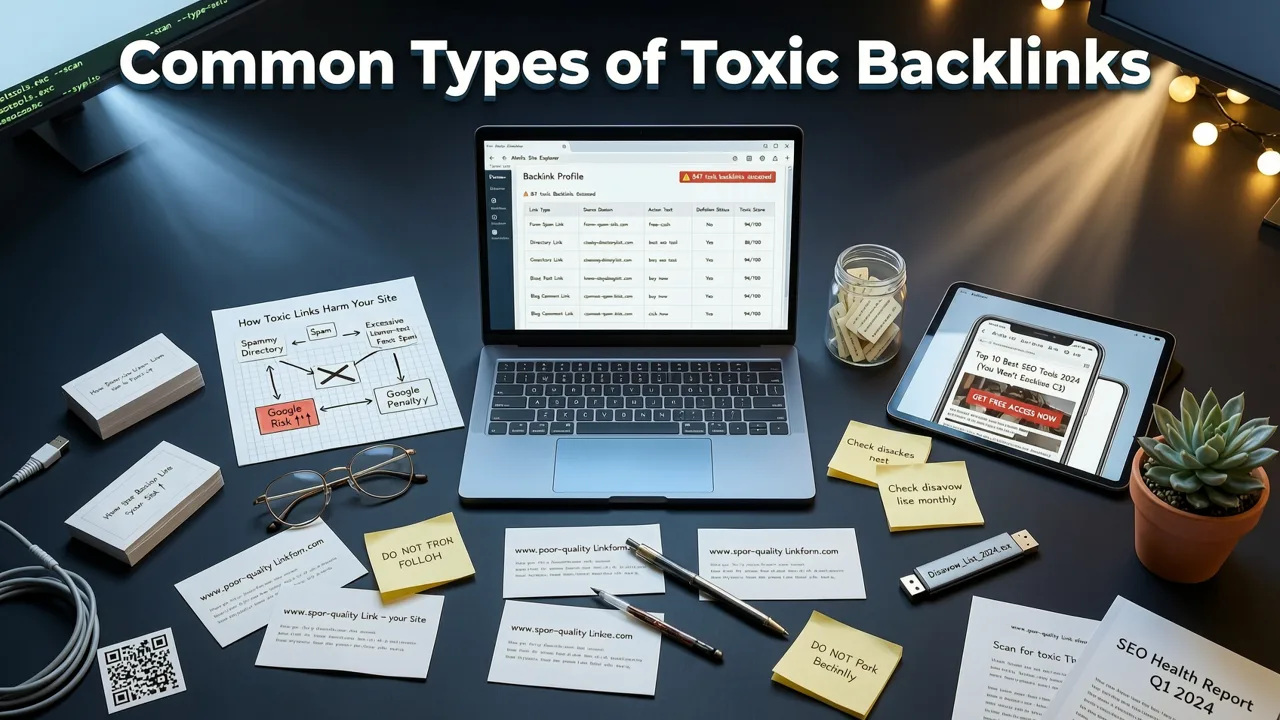
Not every low-quality link is toxic, but certain patterns are clear red flags. Here are the most common types you'll encounter in a backlink audit:
Links from Link Farms and PBNs
Private blog networks and link farms exist solely to sell links. Google explicitly considers participation in link schemes a violation of its webmaster guidelines. These links often come from domains with no real traffic, no editorial standards, and no topical relevance to your site.
Links from Penalized or Deindexed Sites
If the linking domain has been penalized or removed from Google's index, any link it passes is tainted by association. These sites often show up in your profile after a competitor's negative SEO campaign or a previous owner's black-hat tactics.
Irrelevant Links from Unrelated Niches
A backlink from a gambling site pointing to your dental practice isn't just unhelpful — it's a strong signal of unnatural link acquisition. Context matters. Google expects your backlink profile to reflect genuine editorial relationships within your industry.
Over-Optimized Anchor Text Patterns
If 40% of your backlinks use the exact same money keyword as anchor text, you've got a problem. Natural link profiles feature diverse anchor text: brand names, URLs, naked domains, and generic phrases like "click here" or "learn more."
Links from Comment Spam and Forum Abuse
Automated comment spam on low-quality blogs and forums was a link-building tactic a decade ago. In 2026, these links carry zero editorial value and can flag your site for unnatural link patterns.
Links from Adult, Gambling, or Pharma Sites
Unless your business operates in those verticals, inbound links from adult content, gambling, or pharmaceutical sites are almost always toxic. They signal to Google that your site may be involved in questionable practices.
How to Identify Toxic Backlinks in Your Profile
Finding toxic backlinks requires a systematic audit. Here's the process we recommend for businesses managing their own SEO or working with an agency.
Step 1: Export Your Full Backlink Profile
Use a reliable SEO tool to pull a comprehensive list of all domains linking to your site. The best SEO tools for small business in 2026 offer backlink monitoring features that let you export referring domains, anchor text distribution, and link status in a single report.
Step 2: Filter for Red Flags
Once you have your full list, filter for the following warning signs:
- Domains with a spam score above 30%
- Referring domains with zero organic traffic
- Links from sites with no topical relevance to your niche
- Anchor text over-optimization (more than 5–10% exact-match commercial keywords)
- Links from known link networks or directories
- Foreign-language links pointing to an English-only site (unless you operate internationally)
Step 3: Categorize Each Link
Create a simple spreadsheet with three categories: Keep, Review, and Disavow. Most links will fall into the "Keep" bucket. The "Review" bucket is for links you're uncertain about — these deserve a manual check. The "Disavow" bucket is for links that clearly meet toxic criteria.
Step 4: Conduct Manual Checks on Suspicious Domains
For every domain in your "Review" or "Disavow" bucket, visit the actual URL. Check whether the site has real content, real traffic indicators, and a legitimate purpose. If the page is a thin doorway page, a parked domain, or a link directory, it's safe to disavow.
How to Remove or Disavow Toxic Backlinks
Once you've identified toxic links, you have two options: request removal from the linking site, or submit a disavow file to Google.
Option 1: Contact the Linking Site for Removal
This is the preferred method when possible. Find the webmaster's contact information, send a polite and professional request, and ask them to remove the link. Document every outreach attempt — Google requires proof of removal efforts if you're recovering from a manual action.
Option 2: Submit a Disavow File via Google Search Console
If you can't get links removed manually, Google's Disavow Tool is your next step. Here's how to use it correctly:
- Compile a plain-text (.txt) file listing the domains or URLs you want Google to ignore.
- Use the
domain:operator to disavow entire domains (e.g.,domain:spamexample.com). - Upload the file through the Google Search Console Disavow Links tool.
- Wait 2–4 weeks for Google to process the disavow request.
Important: The disavow tool is a powerful mechanism. Disavowing legitimate links can hurt your rankings. Only disavow links you're confident are toxic.
Toxic Backlinks vs. Low-Quality Backlinks: What's the Difference?
Many SEOs use these terms interchangeably, but there's an important distinction:
| Characteristic | Toxic Backlinks | Low-Quality Backlinks |
|---|---|---|
| Source | Spammy, penalized, or malicious sites | Legitimate but low-authority sites |
| Intent | Often manipulative or part of a link scheme | Usually accidental or editorially weak |
| Risk Level | High — can trigger penalties | Low — typically ignored by Google |
| Action Required | Disavow or remove immediately | Monitor; no urgent action needed |
| Example | Links from a penalized PBN | A link from a new blog with no authority |
Understanding this difference prevents you from over-disavowing and accidentally weakening your link profile.
How to Protect Your Site from Negative SEO Attacks
Negative SEO — where a competitor intentionally builds toxic links to your domain — is a genuine threat. Here's how to defend yourself:
- Monitor your backlink profile monthly. Set up alerts in your SEO tool to flag new referring domains.
- Disavow proactively. If you spot a sudden influx of spammy links, submit a disavow file before Google takes action.
- Strengthen your overall SEO. Sites with strong content, diverse link profiles, and solid technical foundations are more resilient to negative SEO.
- Use Google Search Console regularly. Check for manual actions and security issues at least once a month.
Running a comprehensive SEO audit quarterly helps you catch toxic link patterns before they become a ranking problem.
How Long Does It Take to Recover from Toxic Backlinks?
Recovery timelines depend on the severity of the issue:
- Algorithmic devaluation: Typically 2–8 weeks after disavowing toxic links and waiting for the next algorithm refresh.
- Manual action recovery: Usually 2–6 months, including time for outreach, disavow submission, reconsideration request, and Google's review.
- Negative SEO attacks: 4–12 weeks if you catch the attack early and disavow quickly.
Patience and consistency are key. Don't submit a reconsideration request until you've thoroughly cleaned your link profile and documented every step.
When to Hire an SEO Agency for Toxic Link Removal
Managing a toxic backlink profile is time-intensive and requires expertise. If you're dealing with a manual action, a large-scale negative SEO attack, or simply don't have the internal resources to conduct a thorough audit, working with a professional SEO agency is a smart investment.
An experienced agency will handle the full process — from auditing your backlink profile and identifying toxic links to conducting outreach, preparing disavow files, and filing reconsideration requests. If you're evaluating costs, our SEO agency pricing guide breaks down what to expect when budgeting for penalty recovery and ongoing link management.
Best Practices for Maintaining a Healthy Backlink Profile
Prevention is always better than cleanup. Follow these practices to keep your backlink profile clean:
- Earn links through high-quality content. Original research, data-driven guides, and expert resources attract natural editorial links.
- Avoid paid link schemes. Even if a vendor promises "high DA" links, if the arrangement violates Google's guidelines, it's a risk.
- Audit your link profile quarterly. Regular monitoring catches toxic links before they accumulate.
- Diversify your anchor text. Aim for a natural distribution that mirrors how real editors would link to your content.
- Build topical relevance. Focus on earning links from sites within your industry or adjacent niches.
Final Thoughts: Don't Let Toxic Backlinks Sabotage Your SEO
Toxic backlinks are a real and present danger to your search rankings — but they're entirely manageable with the right process. By understanding what toxic backlinks look like, conducting regular audits, and taking swift action to disavow harmful links, you protect your site's visibility and long-term growth.
If you're ready to take control of your backlink profile and build a sustainable SEO strategy, start with a comprehensive audit today. And if you're a local business owner, don't overlook your local SEO health — our guide to the best local SEO audit tools for small businesses can help you identify and fix issues across your entire local presence.
Your backlink profile is a reflection of your brand's reputation on the web. Keep it clean, keep it monitored, and keep growing.
Frequently Asked Questions
What are toxic backlinks and how do they affect my website?
Toxic backlinks are inbound links from spammy, penalized, or irrelevant websites that can harm your search engine rankings. They signal to Google that your site may be involved in manipulative link schemes, which can lead to algorithmic devaluation or manual penalties. In 2026, even a small cluster of toxic links can reduce your organic visibility significantly.
How do I find toxic backlinks pointing to my site?
Use an SEO tool like Ahrefs, Semrush, or Moz to export your full backlink profile. Filter for domains with high spam scores, zero organic traffic, irrelevant niches, and over-optimized anchor text. Then manually review suspicious domains to confirm whether they're truly toxic before adding them to a disavow list.
Should I disavow all low-quality backlinks?
No. There's a difference between toxic backlinks and low-quality backlinks. Toxic links come from spammy or penalized sites and should be disavowed. Low-quality links from legitimate but weak sites are typically ignored by Google and don't require action. Over-disavowing can accidentally weaken your link profile.
How long does it take to recover from a toxic backlink penalty?
Recovery depends on the type of issue. Algorithmic devaluation typically resolves within 2–8 weeks after disavowing. Manual action recovery usually takes 2–6 months, including time for outreach, disavow submission, and Google's reconsideration review. Negative SEO attacks can be resolved in 4–12 weeks if caught early.
Can a competitor give me toxic backlinks on purpose?
Yes. This is called negative SEO, where a competitor intentionally builds spammy links to your domain to trigger a penalty. The best defense is regular backlink monitoring, proactive disavowal of suspicious links, and maintaining a strong overall SEO foundation that makes your site more resilient to manipulation.
Related Articles


Explore more practical SEO Services and appraisal guides.
View all articles