How to Do an SEO Audit Yourself: Step-by-Step 2026 Guide
Learn how to do an SEO audit yourself with this 2026 step-by-step guide. Fix technical errors, on-page issues, and content gaps to rank higher and grow traffic.

How to Do an SEO Audit Yourself: The 2026 Playbook
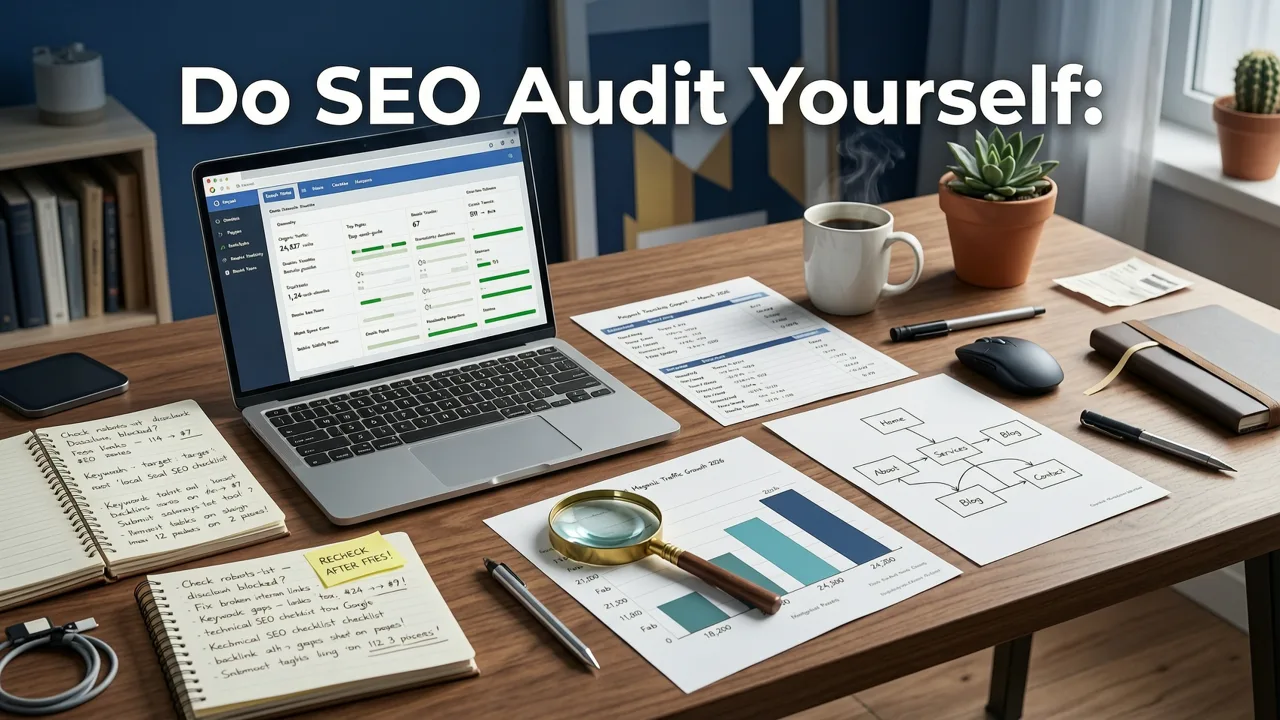
If your organic traffic has plateaued or dropped, the fastest path to recovery is a thorough SEO audit — and you do not need an agency retainer to start one today. Learning how to do an SEO audit yourself gives you a clear picture of what is holding your site back, what quick wins exist, and where to invest next.
This guide walks you through a complete, modern SEO audit process built for 2026. You will cover technical health, on-page optimization, content quality, backlink profile, local SEO signals, and Core Web Vitals. Follow the steps in order, document every finding, and you will finish with a prioritized action plan that moves the needle.
Why Running Your Own SEO Audit Matters in 2026

Search engines in 2026 reward sites that deliver genuine expertise, fast performance, and clear user intent. Google's algorithms now lean heavily on AI-generated overviews, passage-level indexing, and entity understanding. That means surface-level keyword optimization no longer cuts it.
A DIY SEO audit helps you:
- Spot crawl errors and indexing blockers before they cost you rankings.
- Identify thin, duplicate, or outdated content that drags down your entire domain.
- Uncover high-value keyword opportunities your competitors already rank for.
- Validate that your site meets Core Web Vitals thresholds on mobile and desktop.
- Build a data-backed roadmap so every hour of work compounds into measurable growth.
Even if you eventually hire a team, knowing how to do an SEO audit yourself keeps you in control of strategy and prevents wasted spend on affordable SEO services for small business that do not align with your real priorities.
Tools You Need for a DIY SEO Audit in 2026

You can complete a full audit using a mix of free and freemium tools. Here is the essential stack:
| Tool | Purpose | Cost |
|---|---|---|
| Google Search Console | Crawl errors, indexing, performance data | Free |
| Google Analytics 4 | Traffic, engagement, conversion tracking | Free |
| Screaming Frog SEO Spider | Site crawl, broken links, metadata audit | Free up to 500 URLs |
| PageSpeed Insights | Core Web Vitals and performance scores | Free |
| Ahrefs or Semrush (free tier) | Backlink profile, keyword gap analysis | Freemium |
| Schema Markup Validator | Structured data testing | Free |
Bookmark these tools before you begin. You will switch between them constantly throughout the audit.
Step 1: Crawl Your Site and Map the Index
Start by crawling your entire domain with Screaming Frog or a similar crawler. Export the results to a spreadsheet. You are looking for three things immediately:
- Pages returning 4xx or 5xx status codes — these are broken or erroring pages that leak link equity and frustrate users.
- Redirect chains longer than two hops — each extra hop slows load time and dilutes crawl efficiency.
- Pages blocked by robots.txt or set to noindex — verify that important pages are not accidentally hidden from search engines.
Cross-reference your crawl with Google Search Console's Index Coverage report. Any page you want indexed that does not appear in the index is a priority fix. For detailed guidance on Google's crawling rules, consult the Google Search Central documentation.
Build a Simple URL Priority List
Not every page deserves equal attention. Tag each URL in your spreadsheet as one of the following:
- Revenue page — product, service, or pricing pages that directly drive conversions.
- Topically important — cornerstone content that supports your main keyword clusters.
- Low value — thin blog posts, duplicate tag pages, or outdated announcements.
This list becomes your triage sheet for the rest of the audit.
Step 2: Audit On-Page SEO Elements
On-page SEO is where most DIY auditors find the quickest wins. Go through your top 20 to 30 priority pages and check each element below.
Title Tags and Meta Descriptions
Title tags should be 50 to 60 characters, include the primary keyword near the front, and communicate a clear benefit. Meta descriptions should be 140 to 155 characters, read like ad copy, and include a call to action. Flag any duplicates, missing tags, or tags that exceed pixel limits.
Heading Hierarchy
Each page should have exactly one H1 that matches or closely aligns with the title tag. H2s and H3s should create a logical outline that answers the searcher's question. If your H2s are keyword-stuffed or irrelevant, rewrite them to reflect the actual content structure.
Content Quality and Search Intent
Read each priority page and ask: does this content genuinely answer the query a user typed? In 2026, Google evaluates content depth, originality, and author expertise. If your page is a thin summary of what already ranks, it will not compete. Expand it with original data, expert quotes, case studies, or step-by-step instructions.
Internal Linking
Check that every priority page receives at least three to five contextual internal links from related content. Anchor text should be descriptive, not generic. If you run a local business, make sure your location pages link to your service pages and vice versa — a topic covered in depth in our Local SEO Checklist for Small Business.
Step 3: Technical SEO Audit
Technical SEO ensures search engines can crawl, render, and understand your site. Skip this step and no amount of content optimization will save you.
Core Web Vitals and Page Speed
Run your top pages through PageSpeed Insights. In 2026 the thresholds remain strict:
- Largest Contentful Paint (LCP) under 2.5 seconds.
- Interaction to Next Paint (INP) under 200 milliseconds.
- Cumulative Layout Shift (CLS) under 0.1.
Common culprits for poor scores include unoptimized images, render-blocking JavaScript, and third-party scripts that load above the fold. Compress images to next-gen formats, defer non-critical scripts, and set explicit width and height attributes on all media.
Mobile Usability
Google indexes the mobile version of your site. Test key pages in Chrome DevTools device mode and verify that text is legible without zooming, tap targets are large enough, and no content is hidden behind intrusive interstitials.
HTTPS and Security
Confirm every page loads over HTTPS with a valid certificate. Mixed content warnings — where an HTTPS page loads HTTP resources — will trigger browser security alerts and hurt rankings.
XML Sitemap and Robots.txt
Your XML sitemap should include only canonical, indexable URLs. Submit it in Google Search Console and check for errors. Your robots.txt file should allow crawling of important resources like CSS and JavaScript files.
Structured Data
Validate your structured data using Google's Rich Results Test. Common schema types include Organization, LocalBusiness, Product, Article, and FAQ. Properly implemented schema helps you earn rich snippets and improves how AI overviews cite your content. Refer to the Schema.org reference for the latest property definitions.
Step 4: Content and Keyword Gap Analysis
With technical and on-page issues documented, shift focus to what your site is missing entirely.
Identify Keyword Gaps
Use Ahrefs or Semrush to compare your domain against two or three competitors. Export the list of keywords they rank for that you do not. Group these keywords by topic cluster and prioritize clusters where you already have related content — those are the easiest to close.
Audit Existing Content for Decay
In Google Search Console, filter performance data to pages whose impressions have dropped more than 20 percent over the past six months. These decaying pages often need a content refresh: updated statistics, new sections, fresher examples, or additional internal links.
Map Content to the Buyer Journey
A healthy site covers awareness, consideration, and decision-stage queries. If your blog only targets bottom-of-funnel keywords, you will struggle to build the topical authority needed to rank. Plan content that answers early-stage questions and guides readers toward your solution.
Step 5: Backlink Profile Review
Your backlink profile signals trust and authority to search engines. A messy profile can hold you back even if everything else is optimized.
Check for Toxic Links
Look for sudden spikes in links from low-quality directories, link farms, or irrelevant foreign-language sites. You cannot control every site that links to you, but you can disavow clearly manipulative links through Google's disavow tool.
Find Link Building Opportunities
Identify pages on your site that already attract links naturally — these are your best assets for outreach. Create linkable assets such as original research, free tools, or comprehensive guides around those topics. If you want a broader strategy, our guide on SEO for Small Business 2026 covers realistic, high-ROI link building tactics.
Step 6: Local SEO Audit (If Applicable)
If you serve customers in a specific geographic area, local SEO deserves its own audit pass. Verify the following:
- Your Google Business Profile is fully completed with accurate hours, categories, and attributes.
- Your NAP (name, address, phone) is consistent across your website, directories, and social profiles.
- You are actively collecting and responding to reviews.
- Location-specific landing pages exist for each service area and contain unique, useful content.
Local SEO in 2026 is increasingly competitive. A complete audit ensures you are not leaving nearby customers on the table.
Step 7: Compile Findings and Prioritize Actions
By now you have a long list of issues. The final step is turning that list into a roadmap.
Use a Priority Matrix
| Priority | Criteria | Examples |
|---|---|---|
| P0 — Critical | Blocks indexing or causes major user friction | Site-wide 5xx errors, broken checkout, noindex on key pages |
| P1 — High | Directly impacts rankings or conversions | Missing title tags, Core Web Vitals failures, thin cornerstone content |
| P2 — Medium | Improves efficiency or unlocks growth | Internal link gaps, schema markup, keyword gap content |
| P3 — Low | Nice to have, long-term polish | Meta description rewrites, image alt text cleanup |
Assign Owners and Deadlines
Every item should have an owner and a target completion date. Technical fixes usually belong to your developer. Content updates belong to your writer or editor. Review progress weekly and adjust priorities as new data comes in.
When to Bring in an SEO Agency
A DIY audit is powerful, but it has limits. If your site has thousands of pages, complex international targeting, or you lack internal resources to execute fixes, partnering with an agency makes sense. Review our SEO Agency Pricing Guide 2026 to understand what to expect and how to budget smartly before you commit.
Final Thoughts
Knowing how to do an SEO audit yourself is one of the highest-leverage skills in digital marketing. It removes guesswork, surfaces hidden problems, and gives you a clear roadmap for growth. Run this audit quarterly, track your fixes in a simple spreadsheet, and watch your organic performance compound over time.
Ready to turn your audit findings into action? Start with your P0 issues today, and if you need expert help executing the rest, reach out to the team at SEO Service HQ for a tailored strategy that fits your goals and budget.
Frequently Asked Questions
How long does it take to do an SEO audit yourself?
A focused DIY SEO audit on a small to mid-sized site typically takes 8 to 15 hours spread across several days. Larger sites with thousands of pages may require 20 or more hours. The key is to prioritize high-impact pages first and work through technical, on-page, and content checks systematically.
What is the most important part of an SEO audit?
The most important part is identifying crawl and indexing issues. If search engines cannot access and understand your pages, no amount of content or keyword optimization will help. After technical health, focus on content quality and Core Web Vitals, as these directly influence rankings in 2026.
Do I need paid tools to perform an SEO audit?
No. You can complete a thorough audit using free tools like Google Search Console, Google Analytics 4, PageSpeed Insights, and the free version of Screaming Frog. Paid tools like Ahrefs or Semrush add value for competitor analysis and backlink research, but they are not required to get started.
How often should I run an SEO audit?
Run a full SEO audit at least once per quarter. Between full audits, perform lightweight monthly checks on Google Search Console for new errors, monitor Core Web Vitals, and review top-performing pages for content decay. This keeps your site healthy and responsive to algorithm changes.
When should I hire an SEO agency instead of auditing myself?
Consider hiring an agency if your site has complex technical architecture, international targeting requirements, or if your team lacks the time and expertise to execute fixes. An agency also makes sense when you need advanced link building or content strategy beyond what a DIY audit can address.
Related Articles


Explore more practical SEO Services and appraisal guides.
View all articles