Free Backlink Checker Tool: Analyze Your Link Profile in 2026
Use a free backlink checker tool to audit your link profile in 2026. Learn how to find referring domains, spot toxic links, and build authority with our step-by-step

Why a Free Backlink Checker Tool Matters More Than Ever in 2026
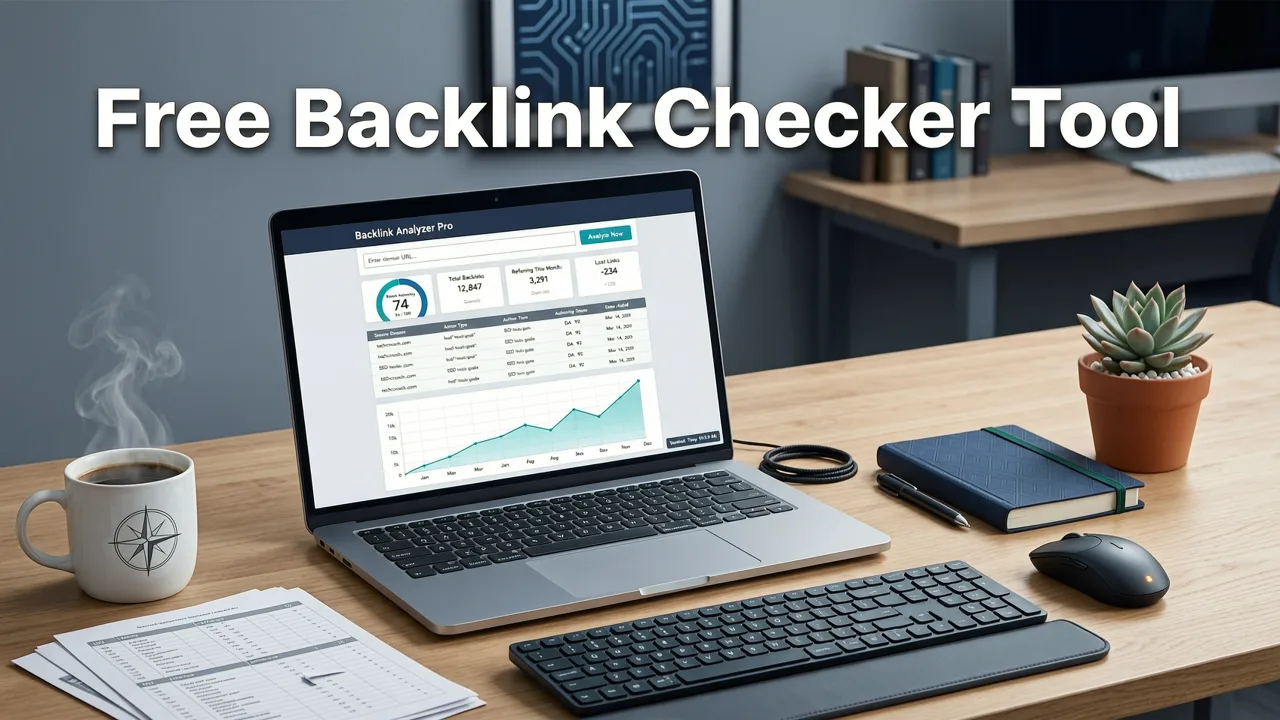
If you want to rank in 2026, your backlink profile is still one of the strongest signals Google uses to measure authority. A free backlink checker tool lets you see exactly which sites link to you, which links might be hurting your rankings, and where your competitors are getting theirs — without spending a dime upfront. In short, it gives you the data you need to turn link building from a guessing game into a measurable growth channel.
This guide walks you through how modern backlink checkers work, what metrics actually matter in 2026, how to run a useful link audit in under twenty minutes, and when it makes sense to upgrade to a paid platform or bring in an agency. Whether you are a small-business owner, a solo marketer, or an in-house SEO lead, you will finish this article with a clear action plan for your next link audit.
What a Free Backlink Checker Tool Actually Does
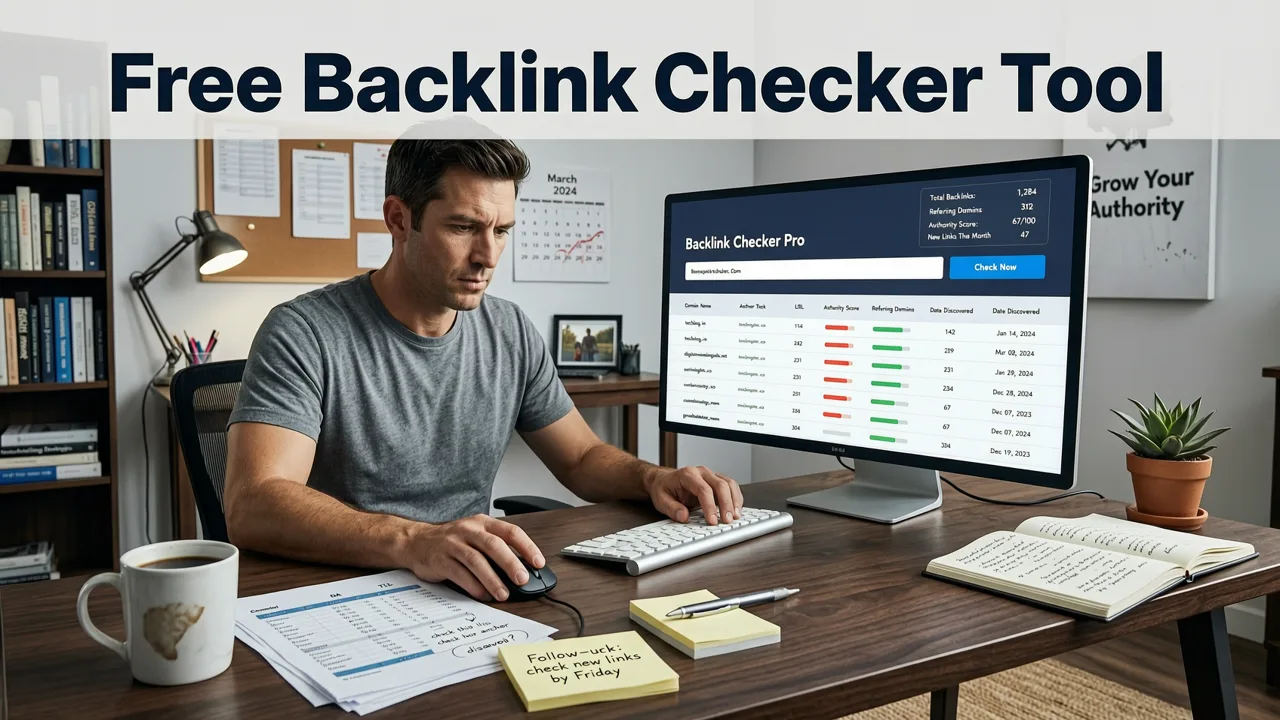
At its core, a backlink checker crawls the web and builds a database of inbound links pointing to any domain you enter. When you type a URL into the tool, it returns a snapshot of your link profile, typically including:
- Referring domains — the unique websites that link to you.
- Total backlinks — every individual link, including multiples from the same site.
- Anchor text distribution — the clickable words used in each link.
- Link attributes — whether links are dofollow, nofollow, sponsored, or UGC.
- Domain authority metrics — third-party scores estimating the strength of linking sites.
- New and lost links — changes in your profile over a selected time window.
In 2026, the best free tools also surface contextual signals such as the linking page's topical relevance, whether the link sits in the main content or a footer, and whether the page itself is indexed. These nuances matter because Google's link evaluation algorithms have grown far more sophisticated than simple link-count tallies.
Key Metrics to Look at When Analyzing Your Backlinks
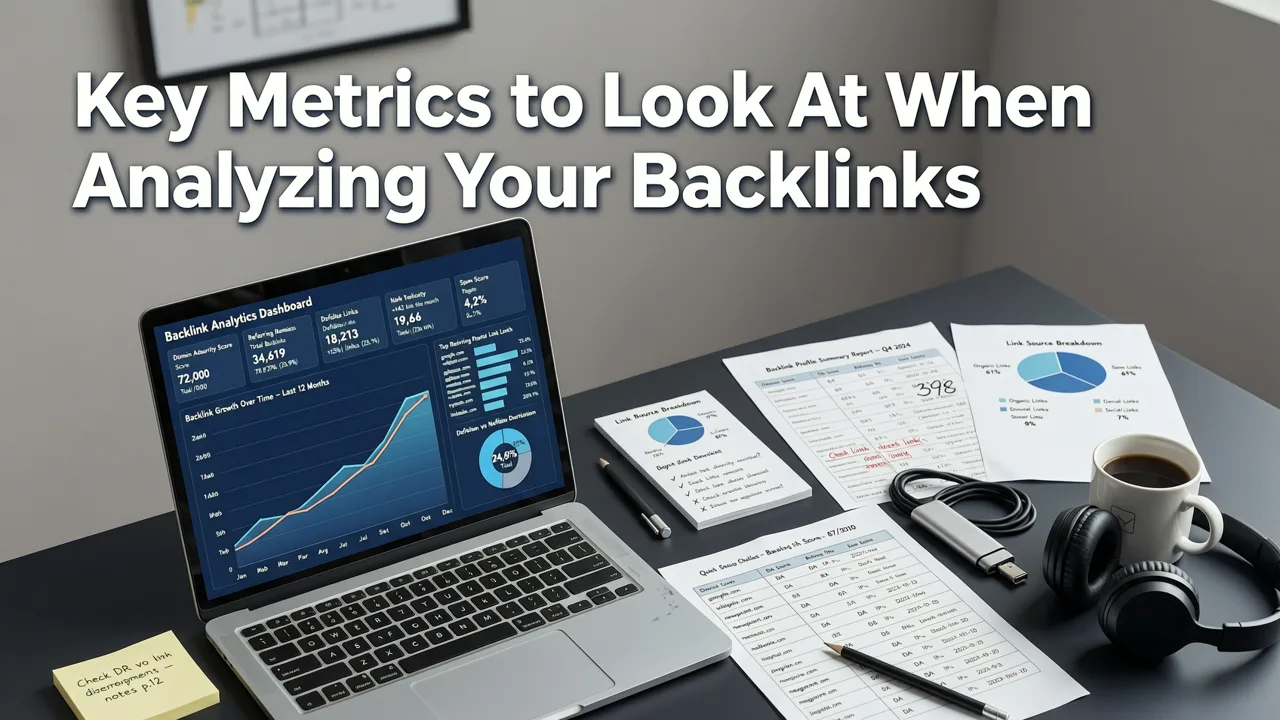
Not every metric a backlink checker displays deserves equal attention. Here are the ones that move the needle.
Referring Domains vs. Total Backlinks
A hundred links from ten domains will almost always outperform a thousand links from ten domains. Google values diversity of sources, so track referring domain growth as your primary KPI rather than raw backlink count.
Anchor Text Ratio
A natural anchor text profile is mostly branded or generic. If more than 15–20 percent of your anchors are exact-match commercial keywords, you are inviting algorithmic scrutiny. Use your checker's anchor text report to spot over-optimization early.
Dofollow vs. Nofollow Balance
Dofollow links pass ranking value; nofollow links do not — at least not directly. A healthy profile contains both, because an all-dofollow profile looks manufactured. In 2026, nofollow links from high-traffic editorial sites still drive referral traffic and brand visibility, which indirectly supports rankings.
Linking Page Quality
One link from a relevant, well-trafficked page outranks dozens of links from thin-content directories. Check whether the linking page itself ranks for related queries and whether it has genuine editorial content.
New vs. Lost Links Trend
Consistent month-over-month growth in referring domains signals momentum. Sudden spikes or losses deserve investigation — spikes may indicate a negative-SEO attack, while losses could mean a partner removed your link or a page was deindexed.
How to Run a Backlink Audit With a Free Tool in 2026
Follow these steps and you can complete a meaningful audit in roughly twenty minutes.
- Enter your domain into the free backlink checker tool and let it load the overview report.
- Note your total referring domains and compare the number to your top three competitors.
- Filter by dofollow only to see the links that actually pass authority.
- Sort by domain authority (or equivalent metric) and flag any linking domains scoring below your quality threshold.
- Review anchor text distribution and highlight any exact-match anchors above 10 percent of the total.
- Check the "new links" tab for the past 90 days to spot unexpected additions.
- Cross-reference lost links — if a high-authority link disappeared, consider reaching out to the webmaster to restore it.
- Export the data to a spreadsheet so you can track trends quarter over quarter.
If you want a broader health check beyond links, pair this audit with a full site review using our How to Do an SEO Audit Yourself: Step-by-Step 2026 Guide.
Free vs. Paid Backlink Checkers: What Changes in 2026
Free tools are excellent for quick snapshots, but they come with trade-offs. The table below summarizes the differences you will encounter.
| Feature | Free Backlink Checker | Paid Backlink Platform |
|---|---|---|
| Index size | Limited (often millions of links) | Extensive (tens of billions of links) |
| Historical data | 30–90 days | Multi-year archives |
| Competitor analysis | Basic or restricted | Full gap analysis and alerts |
| API access | Rarely included | Standard on most plans |
| Toxic link detection | Manual review required | Automated scoring and disavow file export |
| Cost | $0 | $99–$499+ per month |
If your site has fewer than 500 referring domains and you audit quarterly, a free tool is usually sufficient. Once you scale past that threshold or need continuous monitoring, investing in a paid platform — or working with an agency — becomes cost-effective. For context on what professional SEO services cost in 2026, see our SEO Agency Pricing Guide 2026.
How to Spot and Handle Toxic Backlinks
Not all backlinks help you. Spammy links from link farms, irrelevant directories, or penalized sites can drag your rankings down. Here is how to identify and neutralize them.
Red Flags of a Toxic Link
- The linking domain has no organic traffic of its own.
- The page is stuffed with outbound links to unrelated commercial sites.
- The anchor text is an exact-match keyword unrelated to your niche.
- The domain sits on a known bad top-level domain cluster often used for spam.
- The link was acquired without your knowledge and does not appear in any outreach log.
Steps to Disavow Harmful Links
- Export the suspect links from your free backlink checker tool.
- Create a plain-text disavow file listing each URL or domain, prefixed with
domain:for site-wide disavowals. - Upload the file through Google Search Central's disavow tool.
- Monitor your link profile monthly to ensure the toxic links do not reappear.
Google has stated that it generally ignores bad links rather than penalizing for them, but proactively disavowing removes any uncertainty and keeps your profile clean.
Using a Free Backlink Checker for Competitor Research
One of the highest-value uses of any backlink tool is reverse-engineering what works for your competitors. Enter a rival domain, sort their referring domains by authority, and ask yourself three questions:
- Which of these linking sites would also link to my content if I asked?
- What type of asset earned the link — a guide, a tool, a data study?
- Can I create something more comprehensive and pitch the same editors?
This "link intersect" approach is one of the fastest ways to build a prospect list for outreach campaigns. Combine it with the tactical frameworks in our Local SEO Checklist 2026 if you serve a geographic market, or the Local SEO Checklist for Small Business (2026 Edition) if you operate a single-location brand.
Best Practices for Building Links That Show Up in Your Checker
Audit data is only useful if you are actively improving the profile behind it. In 2026, the tactics that earn durable, high-quality links include:
- Original research and data studies — journalists and bloggers cite unique data.
- Free tools and calculators — utility pages attract editorial links naturally.
- Expert roundup contributions — provide genuine insight, not generic quotes.
- Digital PR campaigns — newsworthy angles pitched to relevant outlets.
- Strategic guest articles — only on sites with real readership and editorial standards.
Avoid paid link schemes, PBNs, and automated link-building software. Google's spam algorithms in 2026 detect these patterns faster than ever, and the recovery cost far exceeds any short-term ranking gain.
When to Move Beyond a Free Backlink Checker Tool
Free tools will take you far, but there comes a point where manual audits and limited data slow you down. Consider upgrading when:
- You manage more than three domains and need consolidated reporting.
- You need automated alerts the moment a high-authority link is lost.
- Your link building program involves outreach at scale and you must track prospect status.
- You require structured data integration to validate your own content's visibility in AI-generated answers.
At that stage, partnering with an experienced SEO team often delivers faster returns than DIY tooling alone.
Quick-Reference Checklist: Your 2026 Backlink Audit
- Run your domain through a free backlink checker tool.
- Record total referring domains and dofollow count.
- Flag any exact-match anchor text above 15 percent.
- Identify and disavow toxic or spammy links.
- Compare your profile against two key competitors.
- List ten prospect sites from competitor link data.
- Publish one link-worthy asset this quarter.
- Schedule your next audit in 90 days.
Final Thoughts
A free backlink checker tool is the starting line of every serious SEO strategy in 2026. It shows you where you stand, reveals hidden risks, and points you toward your next outreach opportunity. The difference between brands that rank and brands that stagnate is not access to expensive software — it is the discipline to audit regularly, act on the data, and keep earning links that matter.
Ready to turn your backlink data into measurable growth? Start your free audit today, and if you want expert help scaling your link profile, reach out to SEO Service HQ for a custom strategy built around your goals.
Frequently Asked Questions
Is a free backlink checker tool accurate enough for SEO decisions?
Free tools provide a useful snapshot of your referring domains, anchor text, and new or lost links. While their indexes are smaller than paid platforms, they are accurate enough for quarterly audits and competitor spot-checks on sites with fewer than 500 referring domains.
How often should I check my backlink profile in 2026?
For most small and mid-size sites, checking your backlink profile every 90 days is sufficient. Larger sites or those running active link-building campaigns should audit monthly to catch toxic links and track growth momentum.
Can bad backlinks really hurt my rankings?
Google generally attempts to ignore spammy links rather than penalize sites for them, but a large volume of toxic backlinks can trigger algorithmic devaluation. Proactively disavowing harmful links through Google Search Central removes any risk.
What is the difference between referring domains and total backlinks?
Referring domains count the unique websites linking to you, while total backlinks count every individual link, including multiple links from the same site. Referring domain growth is a stronger ranking signal because it reflects source diversity.
When should I switch from a free backlink checker to a paid tool?
Consider upgrading when you manage multiple domains, need historical data beyond 90 days, require automated lost-link alerts, or run outreach campaigns at scale. At that point, a paid platform or an SEO agency delivers better ROI.
Related Articles


Explore more practical SEO Services and appraisal guides.
View all articles